Design Foundations
Elements | principles | examples
The lecture deck for the first class: the elements and principles of design, with good and cautionary examples from real brands.
Chase Ayres
Lecture decks and step-by-step walkthroughs with starter files for Photoshop and Illustrator.
Lecture decks
The lecture deck for the first class: the elements and principles of design, with good and cautionary examples from real brands.
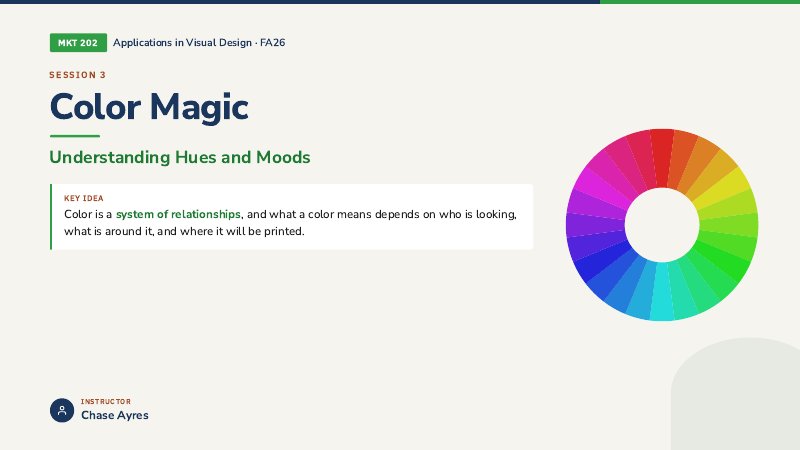
Hue, saturation and value, harmony schemes, what color psychology can and cannot prove, brand color systems, contrast, and RGB versus CMYK.
Letterform anatomy, how typefaces are classified, pairing fonts, case studies from Helvetica to Comic Sans, and type accessibility.
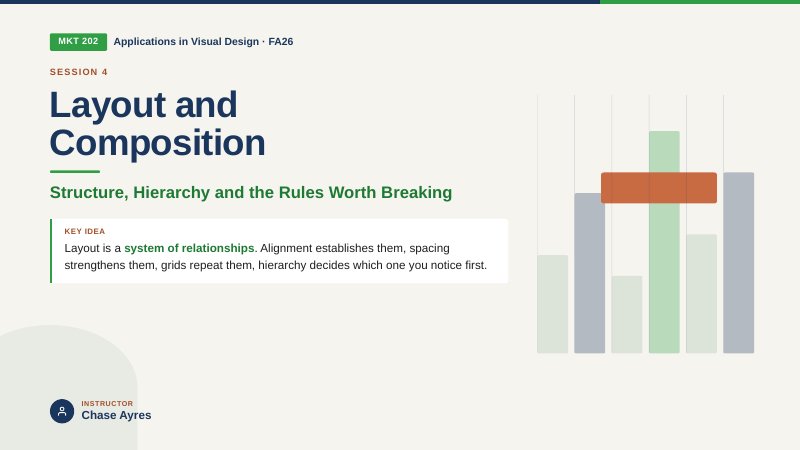
Grid anatomy and grid families, optical alignment, the myths around the golden ratio, how people actually scan a page, and breaking the grid on purpose.
Photoshop walkthroughs
Build a fictional band poster or album cover from one photo: cut out the subject, light it with a glow, add a headline and build a reflection.
One photograph, three grades side by side: warm and inviting, cool and corporate, and high contrast editorial.
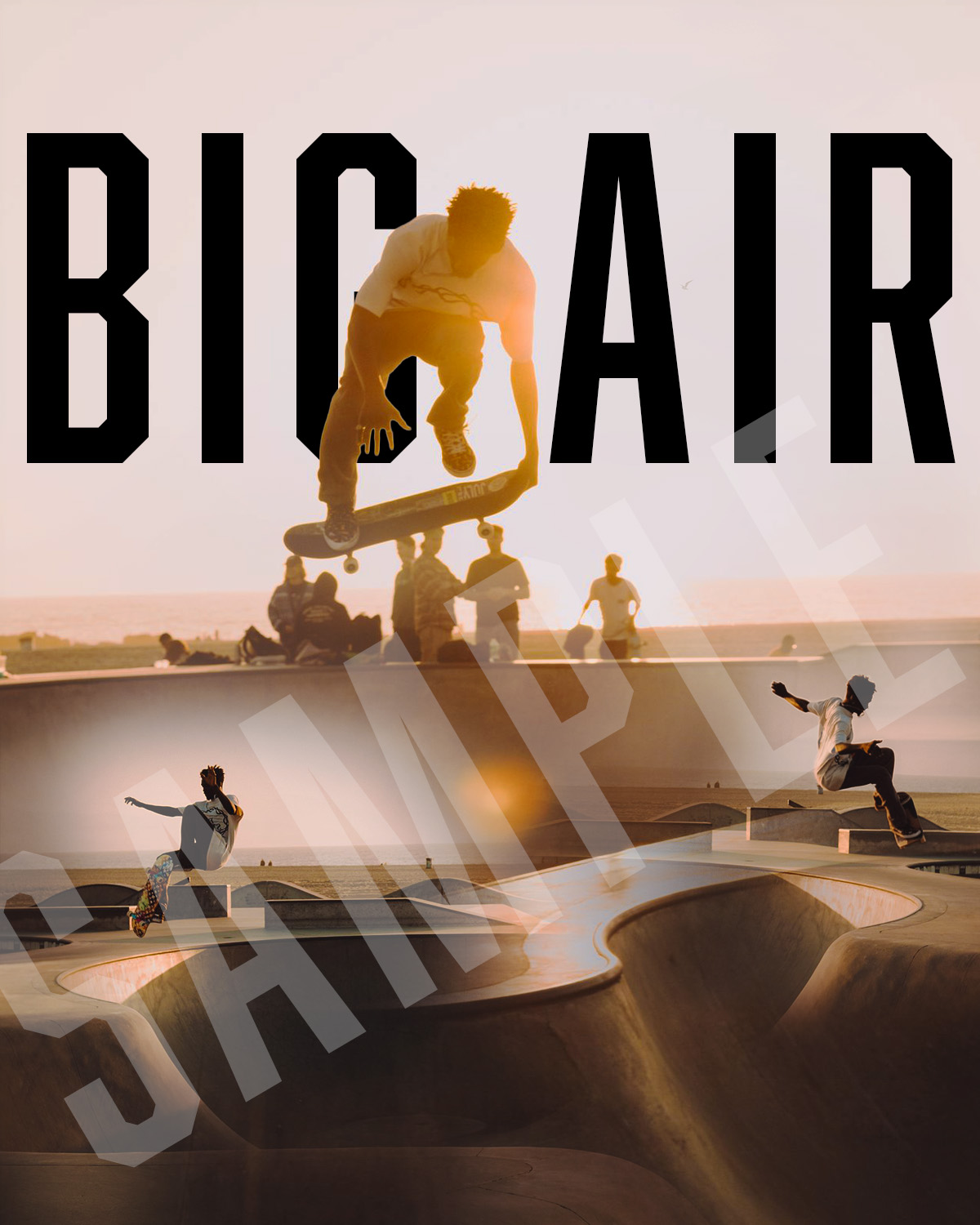
Blend a hero photo and a second moment into one poster with a hand-painted layer mask and no seam.
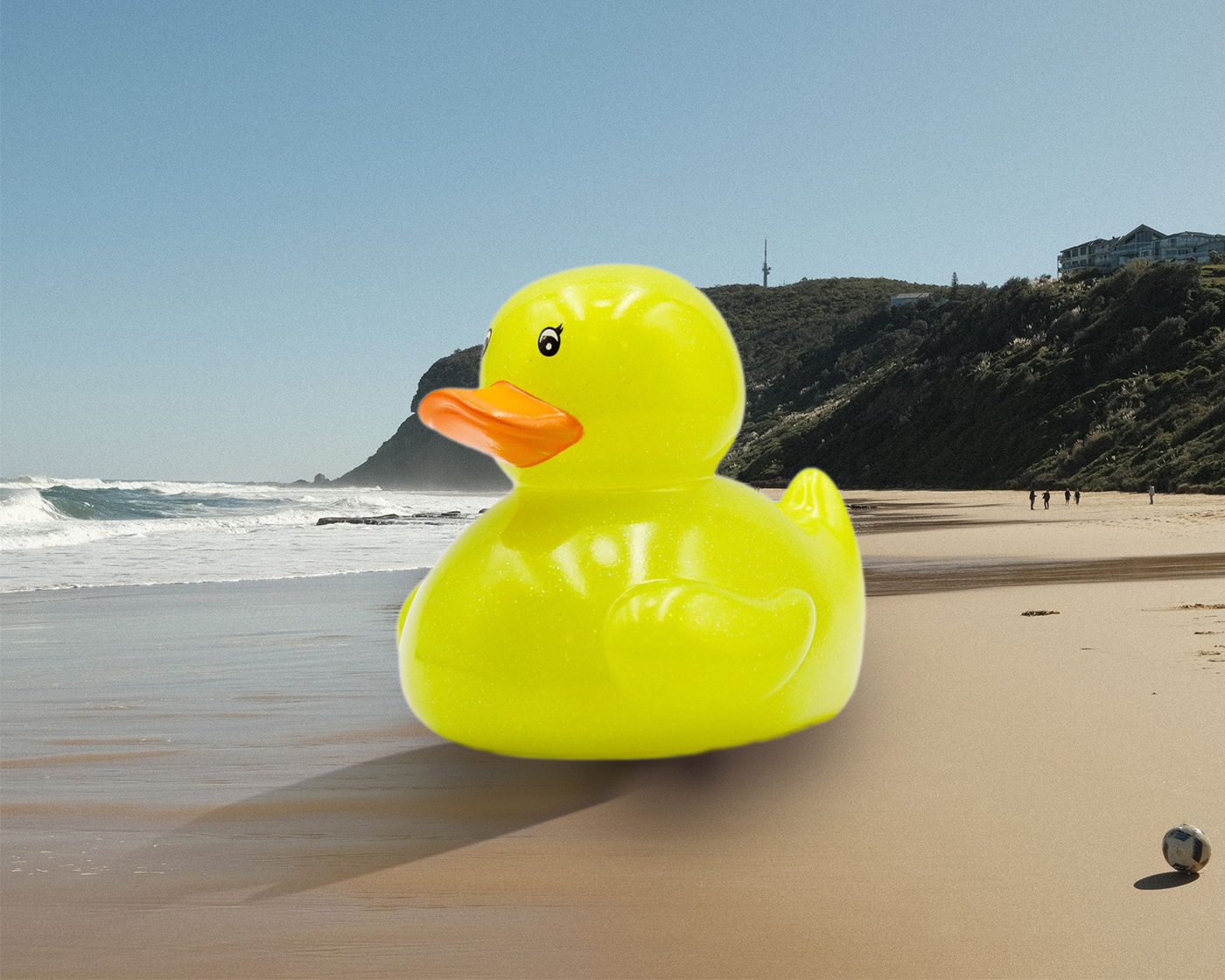
Place an object or animal the size of a building into a real scene, then make it believable with scale, shadows, light and one grade.
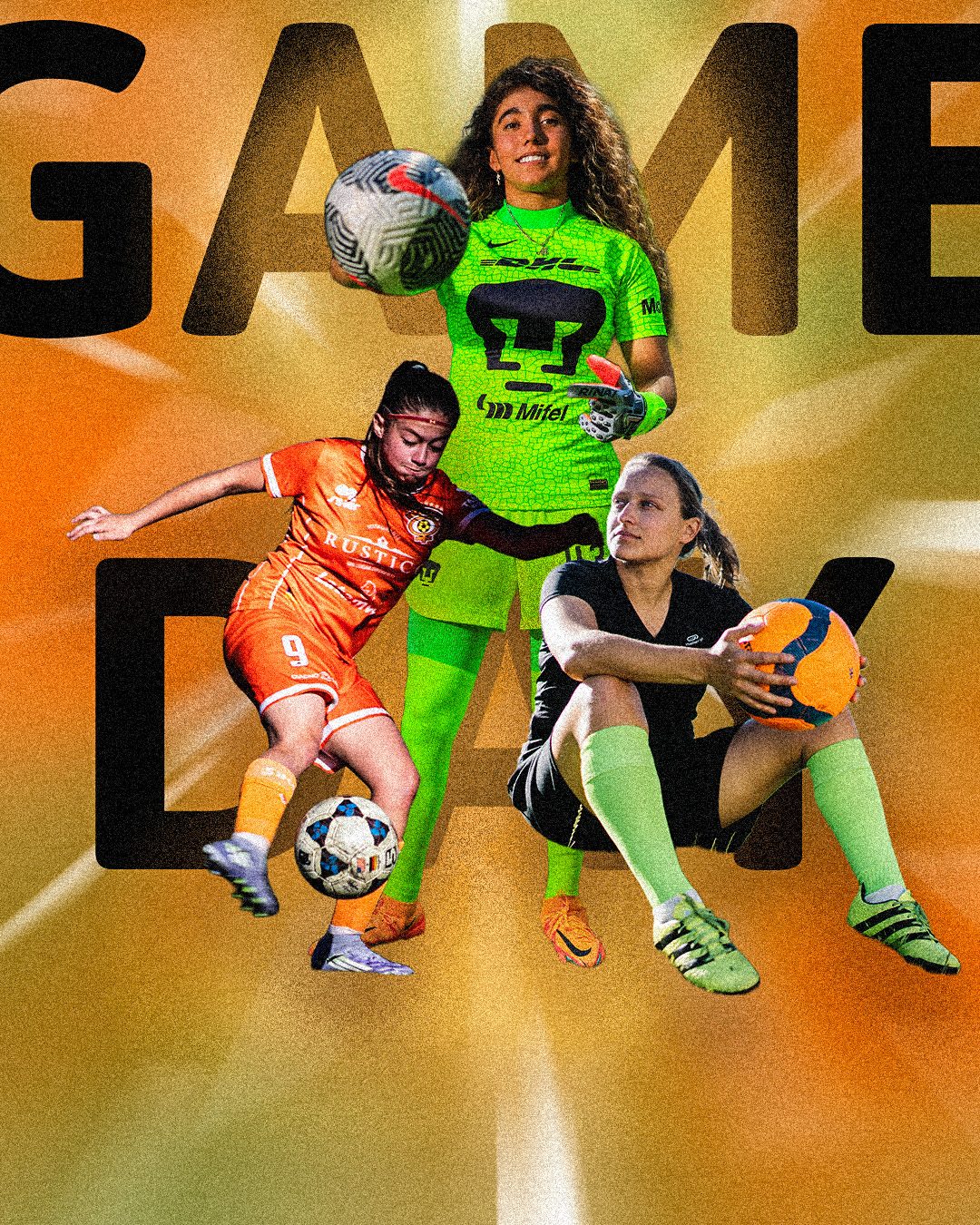
A layered sports or concert poster: a streaked color wash, three cutouts at three sizes, and giant type behind the subjects.
Illustrator walkthroughs
Illustrator foundations. Build four late-night snack icons from basic shapes and one shared seven-color palette.
Cut and combine shapes to make enamel pins for made-up campus clubs, with borders and rounded corners.
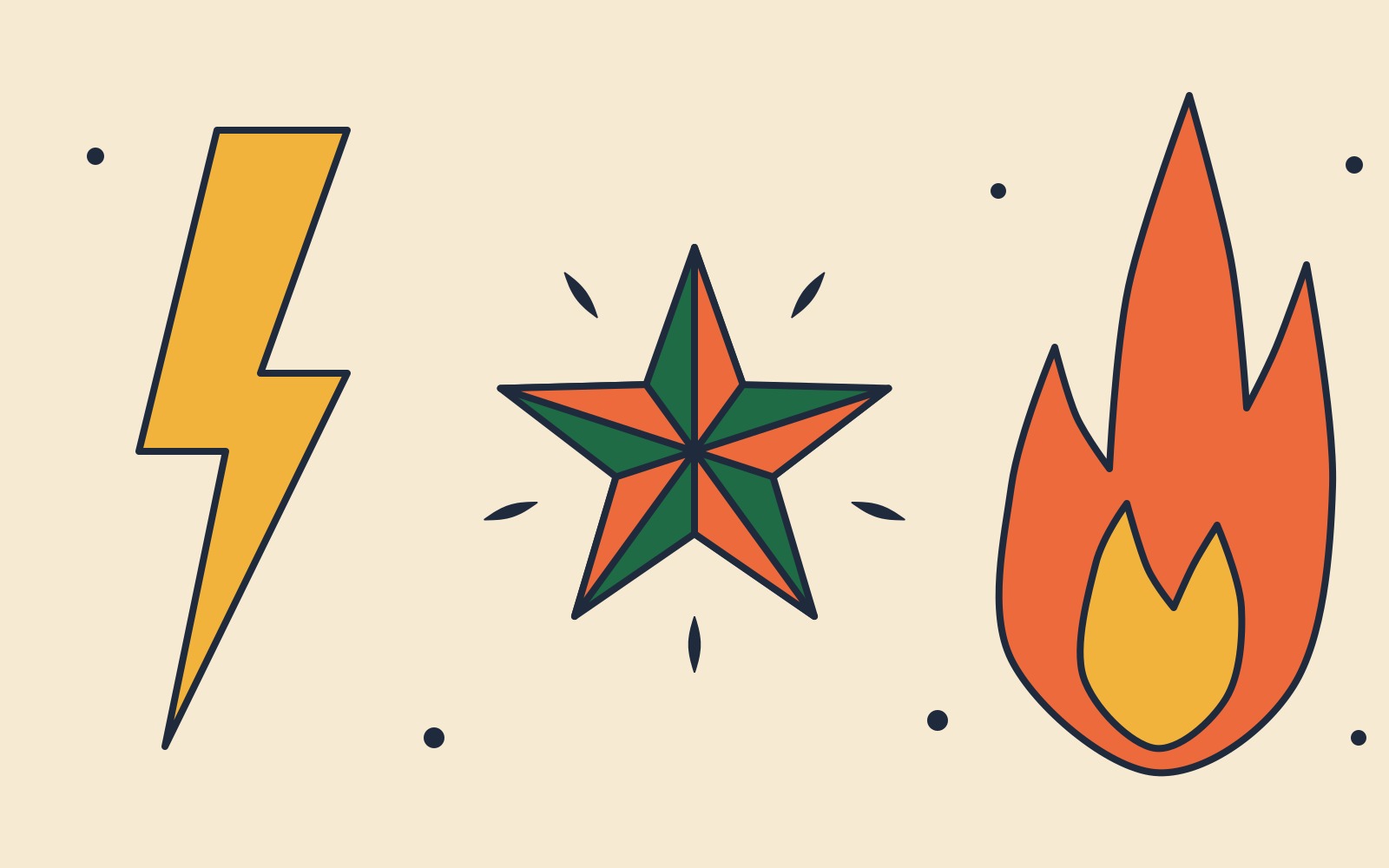
Trace a dashed starter outline with the Pen and path tools to build a three-symbol flash sheet.
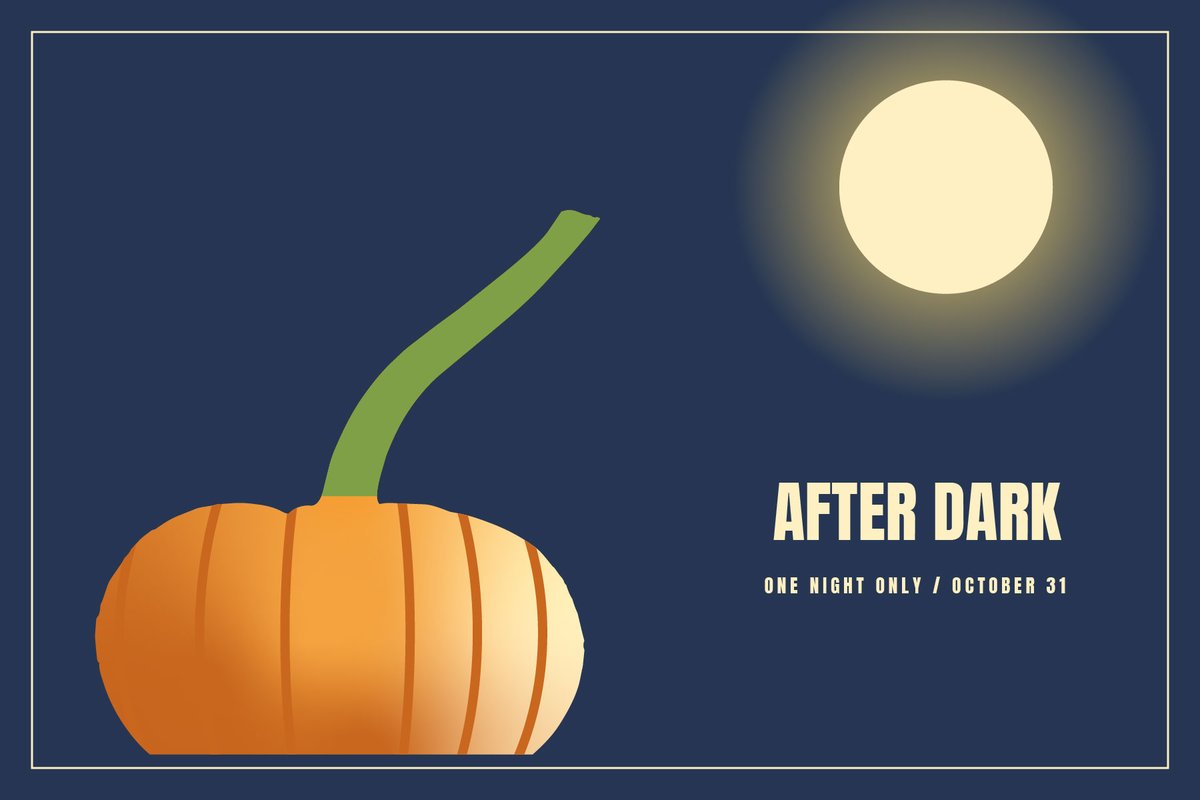
Turn a pumpkin photo into a vector stencil, then light the scene with gradients and blend modes in two colorways.
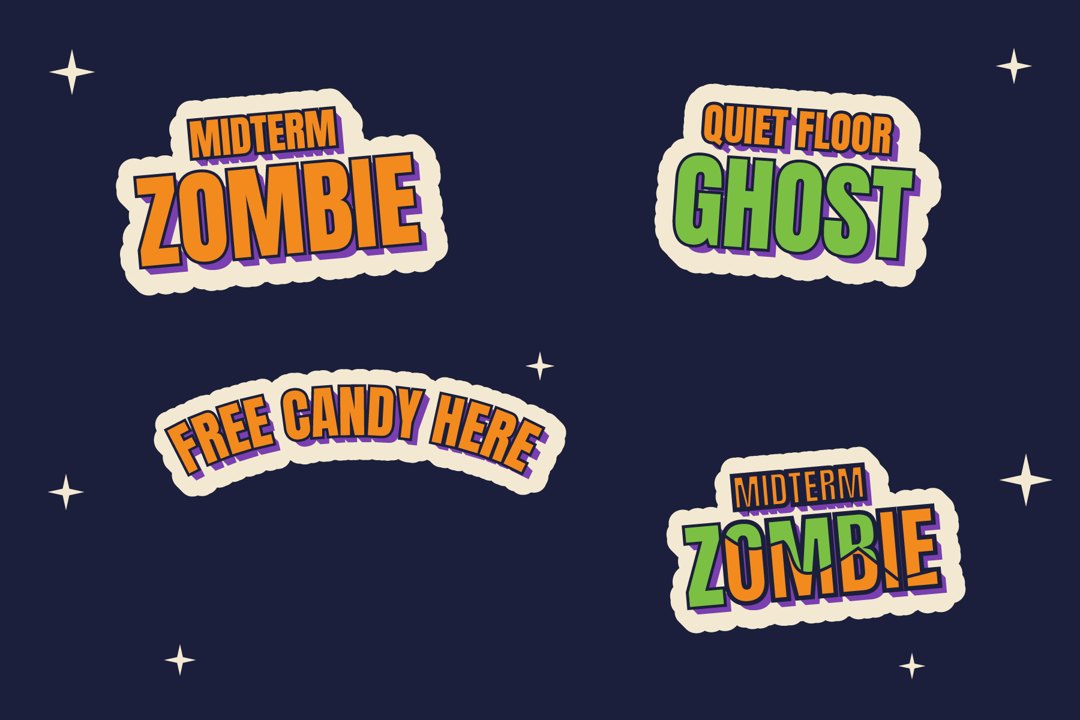
Build die-cut Halloween slogan stickers from one saved style, curve one on a path, then expand a copy and crack it with the Knife.
Wrap supplied sticker art around a 3D mug, render it and export a product mockup. A pennant is the bonus.
The capstone. Invent a drink brand and mascot, design a flat label, wrap it on a 3D can and export social-ready mockups.
Using the files. Download the student zip for a walkthrough, open the starter file and follow the walkthrough. Illustrator palette files (.ase) load through the Swatch Libraries menu. Shortcuts are written Windows / Mac.