Class 1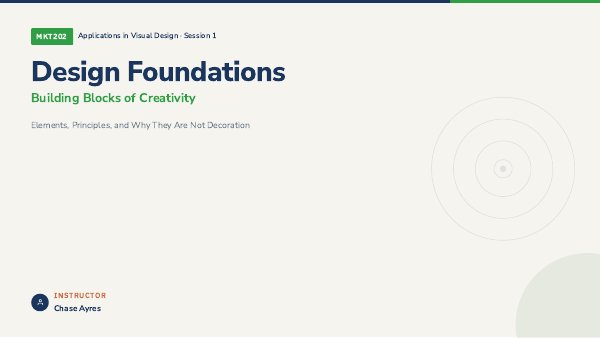
Design Foundations
Elements | principles | examples
The lecture deck for the first class: the elements and principles of design, with good and cautionary examples from real brands.
Marian University | Byrum School of Business
Applications in Visual Design. Lecture decks and step-by-step walkthroughs with starter files for the Photoshop and Illustrator sessions.
Lecture decks
The lecture deck for the first class: the elements and principles of design, with good and cautionary examples from real brands.
Photoshop sessions
Build a fictional band poster or album cover from one photo: cut out the subject, light it with a glow, add a headline and build a reflection.
One photograph, three grades side by side: warm and inviting, cool and corporate, and high contrast editorial.

Blend a hero photo and a second moment into one poster with a hand-painted layer mask and no seam.
Illustrator sessions
Illustrator foundations. Build four late-night snack icons from basic shapes and one shared seven-color palette.
Cut and combine shapes to make enamel pins for made-up campus clubs, with borders and rounded corners.

Trace a dashed starter outline with the Pen and path tools to build a three-symbol flash sheet.

Turn a pumpkin photo into a vector stencil, then light the scene with gradients and blend modes in two colorways.
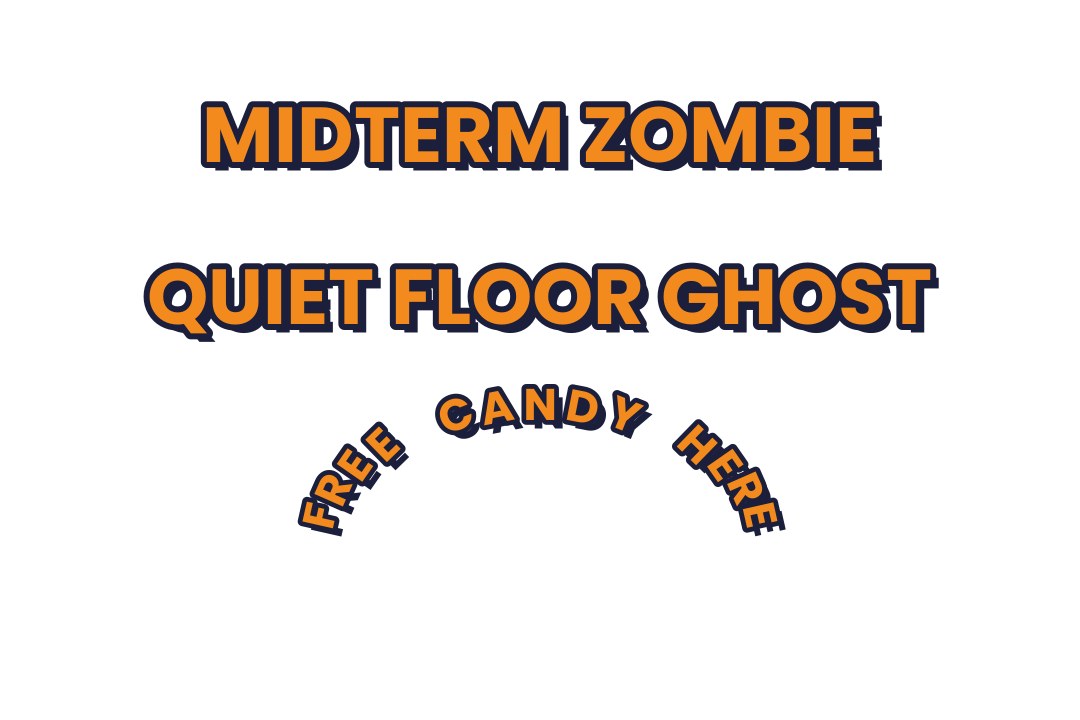
Build three Halloween slogan stickers from one saved three-layer type style, including text on a path.
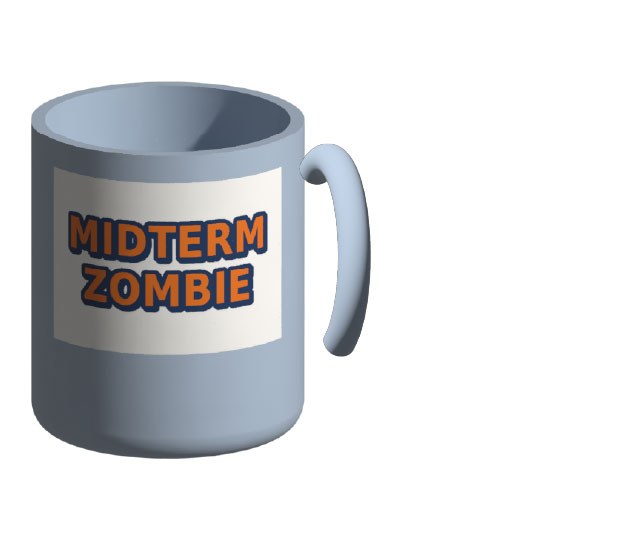
Wrap supplied sticker art around a 3D mug, render it and export a product mockup. A pennant is the bonus.
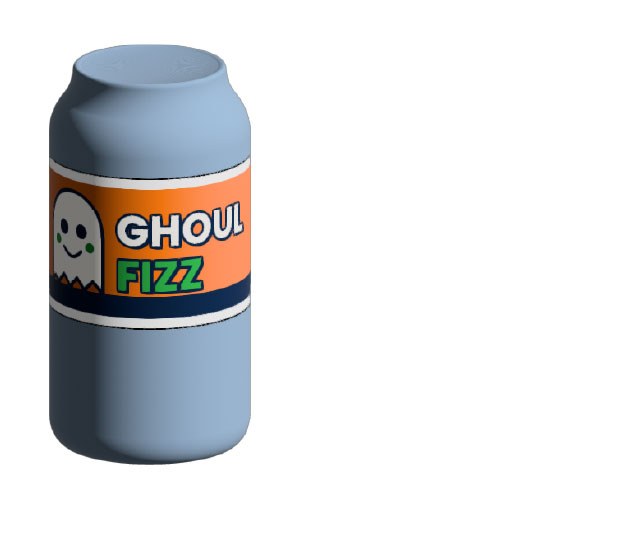
The capstone. Invent a drink brand and mascot, design a flat label, wrap it on a 3D can and export social-ready mockups.
Using the files. Download the student zip for a session, open the starter file and follow the walkthrough. Illustrator palette files (.ase) load through the Swatch Libraries menu. Shortcuts are written Windows / Mac.